How to start. Connections with Octopus 16
Step 1 — Mount the Seeed Studio XIAO Board
Align your Seeed Studio XIAO microcontroller board (such as the ESP32-C3 or ESP32-S6) with the socket headers on the Octopus 16 mainboard. Ensure the pin alignment matches correctly and press down gently until fully seated before applying power.
Pay attention to the right connection
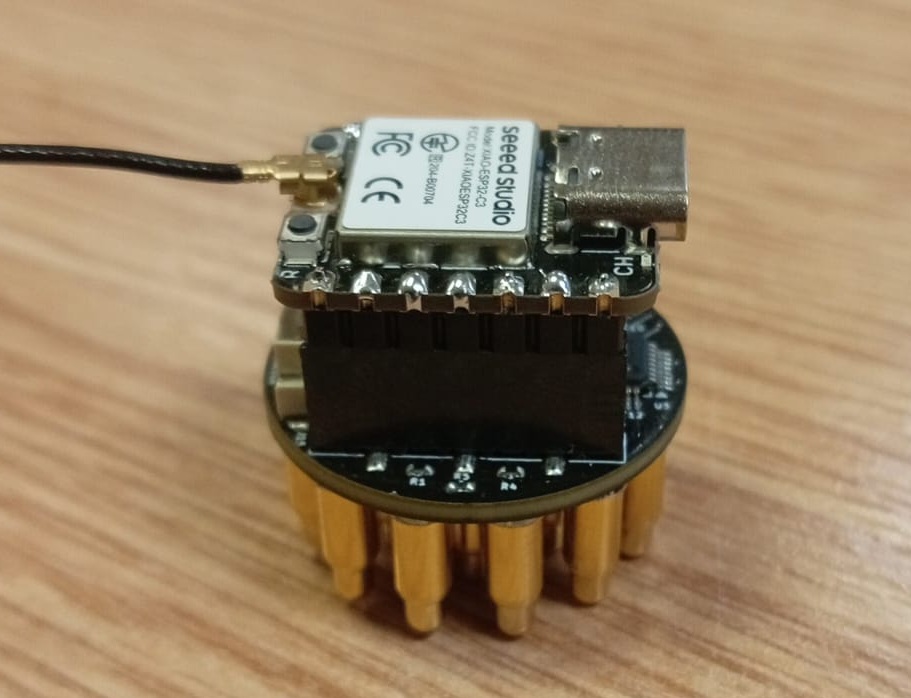
Step 2 — Connect the BLE antenna
BLE antenna usually comes with the ESP32 S3
Step 3 — Power On
Powering the Device: Connect a clean battery supply or power source to the board. Battery power is strongly recommended to isolate the device from mains noise and ensure safe, high-quality biosignal capture.
How locate
You are free to find optimal solutions for how to locate and use it.
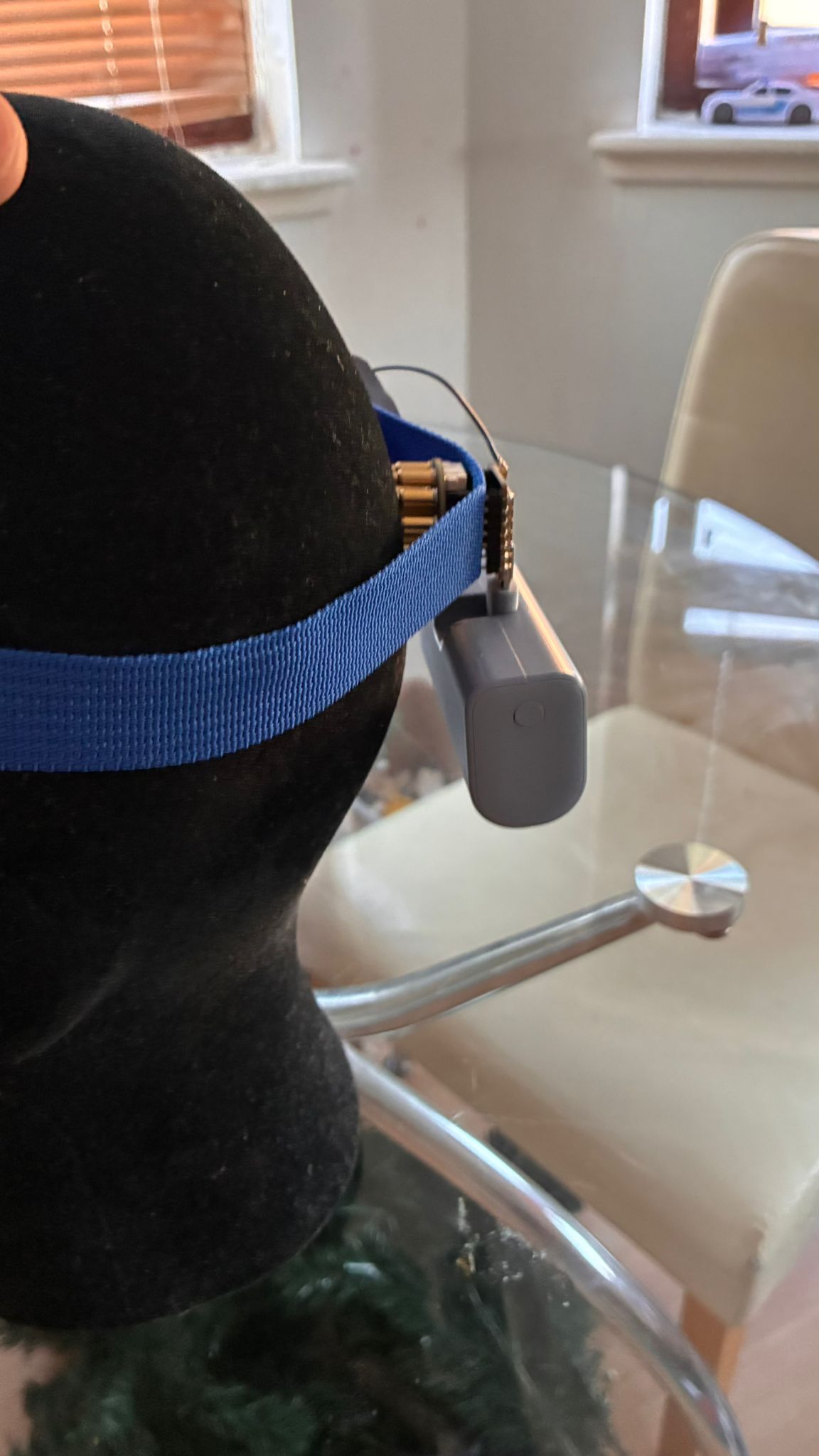
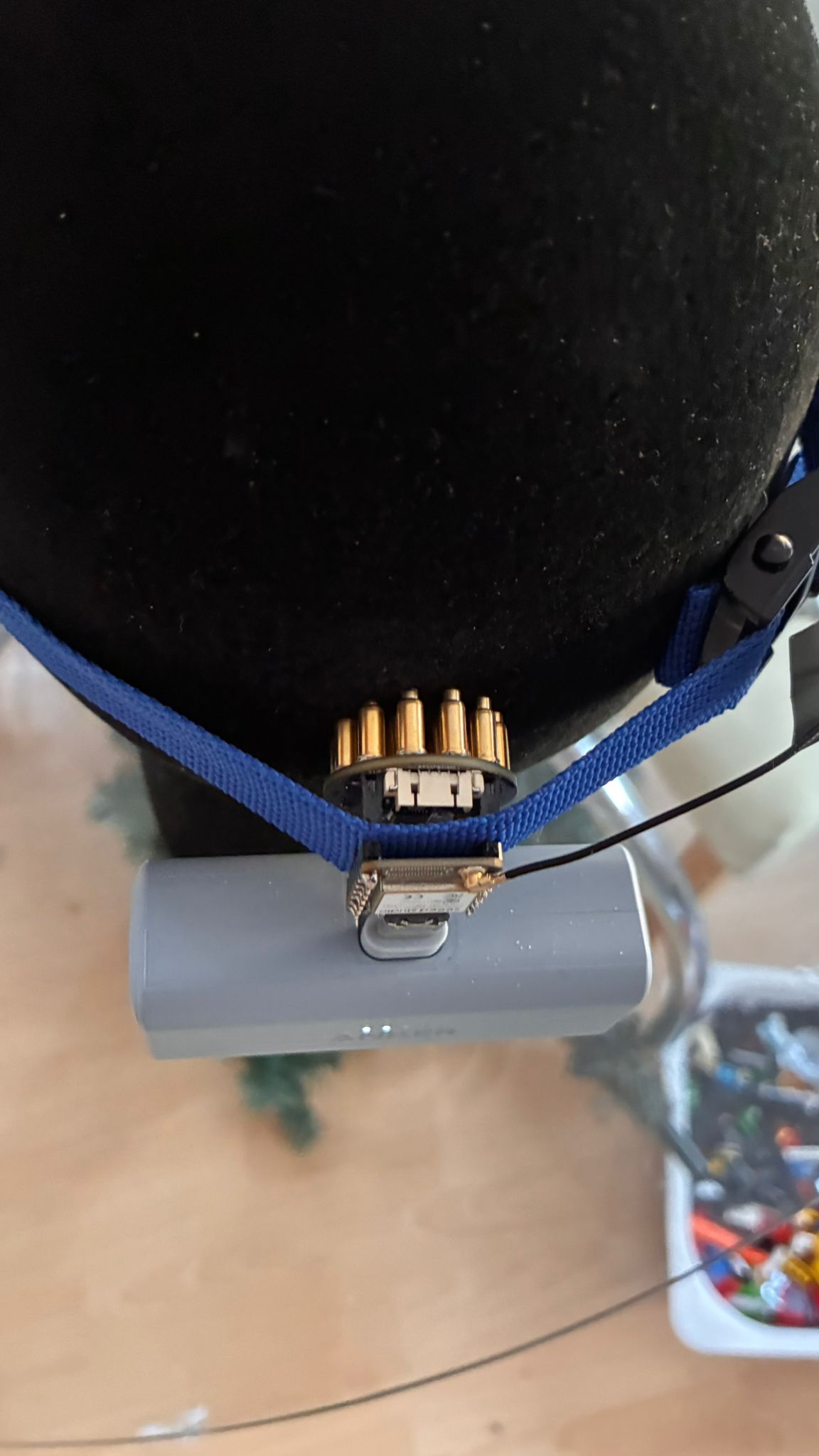
As shown in this example. The device is located over the visual cortex area, positioned between the Octopus and the ESP belt containing the regulator. The ESP-32 pins were forcibly routed through the belt.