Software
IronBCI streams biosignal data wirelessly over BLE. There are three ways to receive and work with the data — choose the one that best fits your use case.
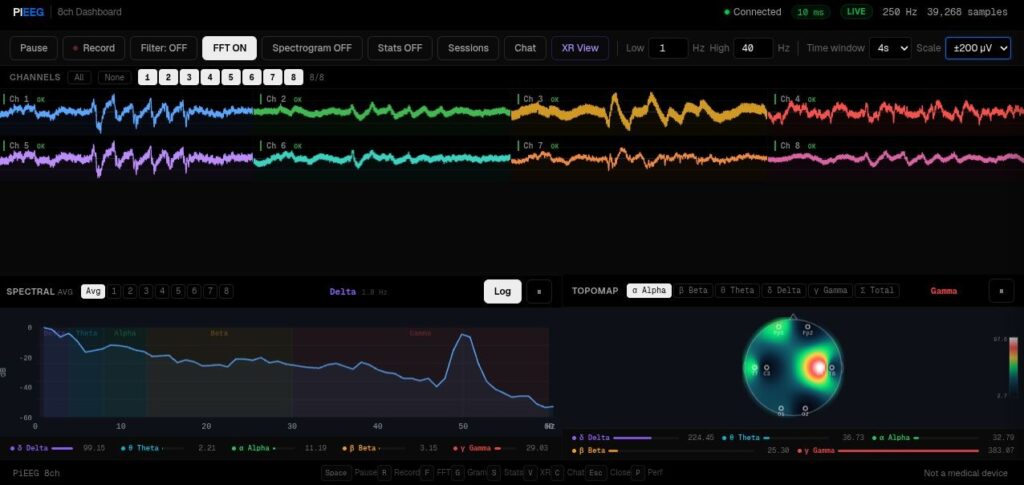
Option 1 — PiEEG Server Integration
Official PiEEG-Server see on the Doc - Software. Also available for ironbci in GitHub via the following link (opens in a new tab)
Option 2 — Mobile App (Android)
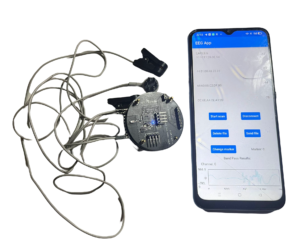
The IronBCI open-source Android app is the fastest way to get started. No configuration required — just pair the device and launch the app. The app supports:
- Real-time signal visualisation
- On-device signal processing
- Saving data in Excel format
View on GitHub
https://github.com/pieeg-club/ironbci/tree/master/SDK (opens in a new tab)
Option 3 — Python SDK
The Python SDK gives you full programmatic control over IronBCI data on your laptop or desktop.
The SDK supports:
- Real-time BLE data streaming
- Signal processing and filtering
- Real-time visualisation
- Saving data to a file
