What's in the Box
Included
| Item | Details |
|---|---|
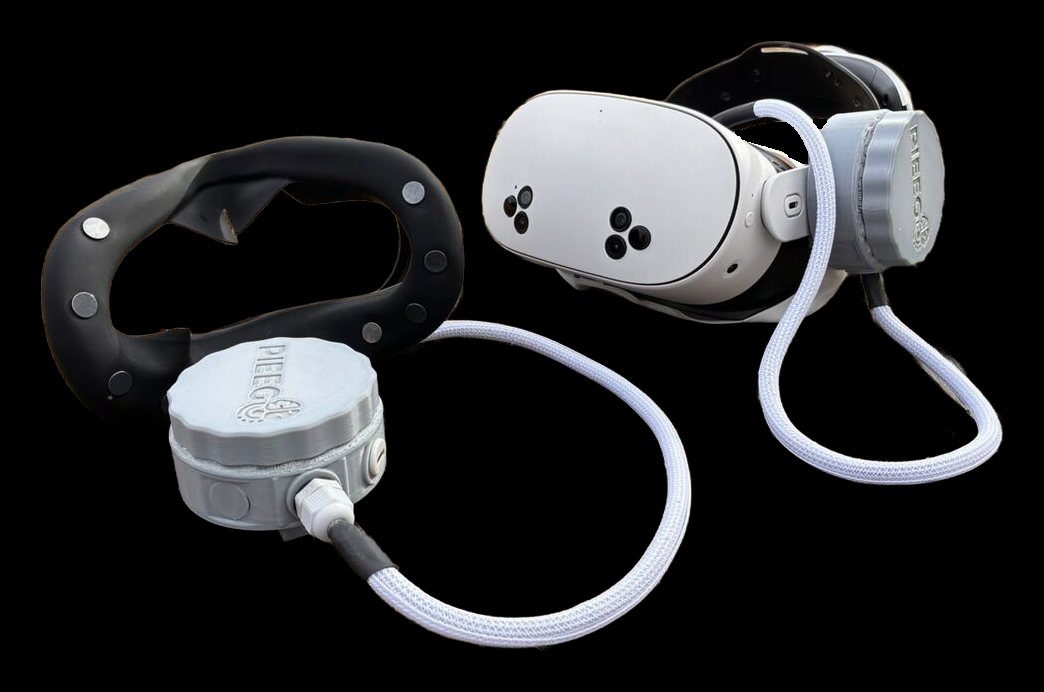
| Silicone face mask | Replaces the headset's facial interface, with 10 flat dry Ag/AgCl electrodes and a cable to the BCI box |
| BCI box | Round enclosure with the ADS1299 board and STM32WB Bluetooth controller, held by the headset's head strap |
Headset compatibility
PiEEG XR works with Meta Quest 3, Meta Quest, PICO and other headset models.
⚠️
The mask and the box are made for one specific headset model. For example, a unit built for the Meta Quest 3 fits only the Meta Quest 3. Check the model when you order. A DIY kit for other headsets and masks is coming soon.
Not included
| Item | Requirements | More |
|---|---|---|
| VR headset | The model your unit was made for | Mask & Electrodes |
| 5 V power source | A power bank, or a headset strap with a built-in battery that has a USB output | Safety |
| USB cable | USB-A to USB-C works most reliably. USB-C to USB-C may not power the box from some supplies. | See below |
| A device to receive data | The headset itself (BodyPress app), an Android phone, or a computer with Chrome / Edge or Python | Software |
| Alcohol pads | For cleaning the skin and the electrodes before each session | Recording During Activity |
| Conductive gel (optional) | A little gel or saline on the dry electrodes makes the signal steadier during movement | Recording During Activity |
Power
The BCI box takes 5 V over USB-C.
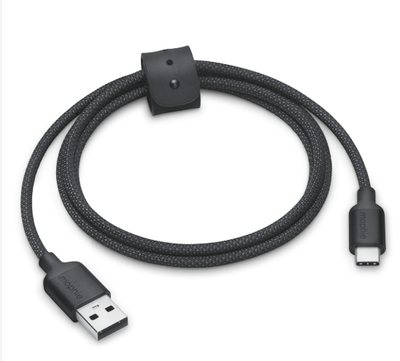
Use a USB-A to USB-C cable. Some USB-C power supplies only switch on for devices that negotiate USB-C power, and the box may get no power from a USB-C to USB-C cable. If the device isn't visible, try a USB-A to USB-C cable first.
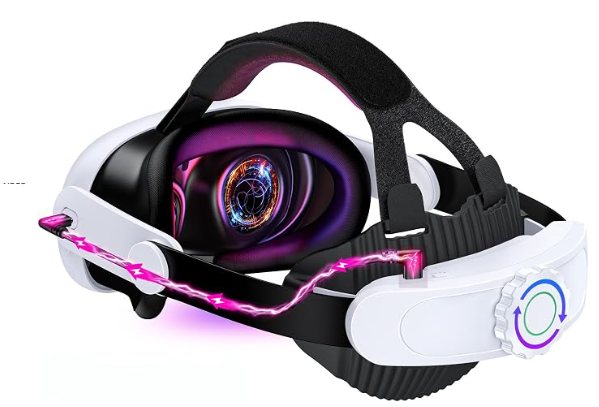
Best option: a battery head strap. A headset strap with a built-in battery and a USB port powers both the headset and the PiEEG XR, with no extra power bank to carry.
Checklist
- PiEEG XR mask and BCI box, made for your headset model
- Charged power bank or battery head strap
- USB-A to USB-C cable
- Alcohol pads (and gel, optional)
- BodyPress on the headset or phone, or Chrome / Edge on a computer
Next: How to Start