How to start. Software with PiEEG-8
Official PiEEG-Server see on the Doc - Software. Also is available for PiEEG-8 in GitHub via the following link (opens in a new tab)
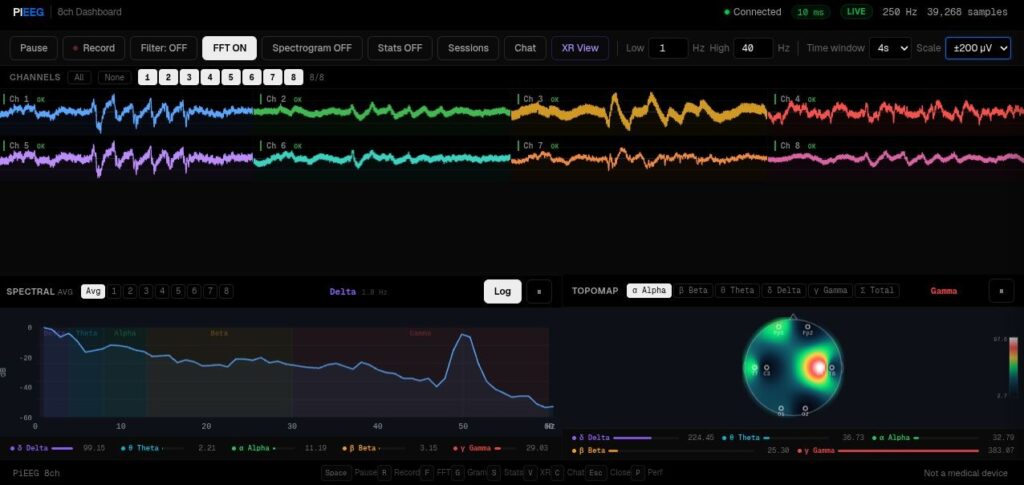
SDK
Scripts available in GitHub (opens in a new tab): Read data with a band-pass filter and real-time visualisation withRaspberryPi5 (opens in a new tab) and Pi4 (opens in a new tab)
To save Raw data to Excel, you can use the following script for Pi5 (opens in a new tab) and for Pi4 (opens in a new tab)
Libraries for Python 3.11. 2
-
import spidev (pip install spidev)
-
from RPi import GPIO (pip install RPi.GPIO) for Pi4 only
-
from matplotlib import pyplot as plt (pip install matplotlib)
-
from scipy (pip install scipy)
-
import gpiod (gpiod==1.5.4) for Pi5 only
Available libraries as example for Python 3.11. 2
-
matplotlib 3.6.3
-
spidev 3.5
-
RPi.GPIO 0.7.1a4 (For Pi4 only)
-
scipy 1.10.1
1.8_ch_Pi5.py for gpiod 1.6.3 version (pip install gpiod==1.6.3)
1.8_ch_Pi5_gpiod_1_5_4.py for gpiod 1.5.4 version (pip install gpiod==1.5.4)
Software with BrainFlow library for PiEEG-8
PiEEG-8 was added to Brainflow (opens in a new tab) library
To create such board, you need to specify the following board ID and fields of BrainFlowInputParams object:
-
BoardIds.PLAYBACK_FILE_BOARD
-
master_board, it should contain board ID of the device used to create playback files
-
file, it should contain full path to recorded file
-
optional: file_aux, use it if your master board has auxiliary preset
-
optional: file_anc, use it if your master board has ancillary preset