Software
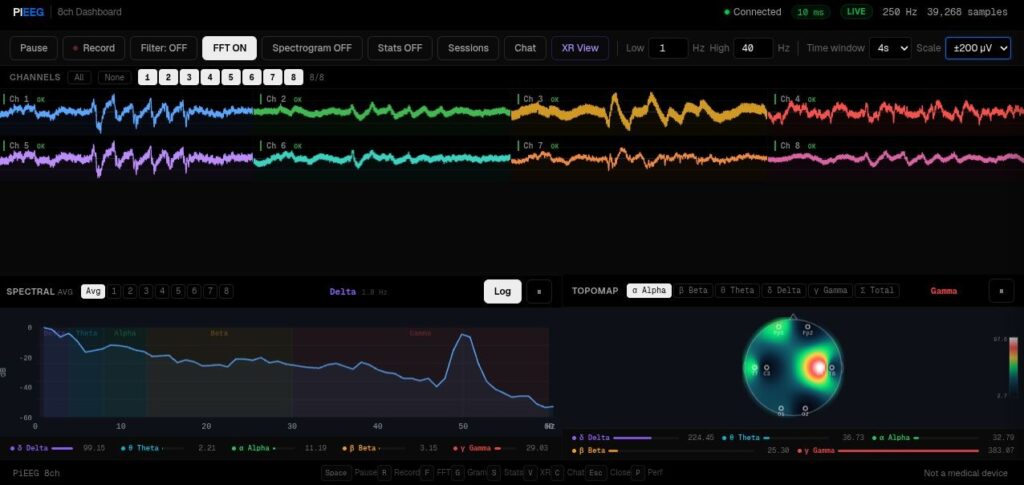
Official PiEEG-Server see on the Doc - Software. Also is available for ironbci-32 in GitHub via the following link (opens in a new tab)
SDK
Software to operate with data implemented in BrainFlow (opens in a new tab)
IronBCI-32 uses BrainFlow as its primary data interface. BrainFlow is an open-source library that provides a unified API for biosignal acquisition, signal processing, and data streaming — available in Python, C++, Java, C#, R, and more.
Step 1 — Install BrainFlow
Install the BrainFlow Python package:
pip install brainflow
Step 2 — Find the Serial Port
Before running any script, identify the serial port that IronBCI-32 is connected to.
On Linux / macOS:
ls /dev/tty*
Look for a device named /dev/ttyUSB0 or /dev/tty.usbserial-XXXX.
On Windows: Open Device Manager and look for the device under Ports (COM & LPT). Note the COM port number (e.g. COM3).
Step 3 — Stream Data
Some examples can be found on the ironbci-32 GitHub (opens in a new tab)
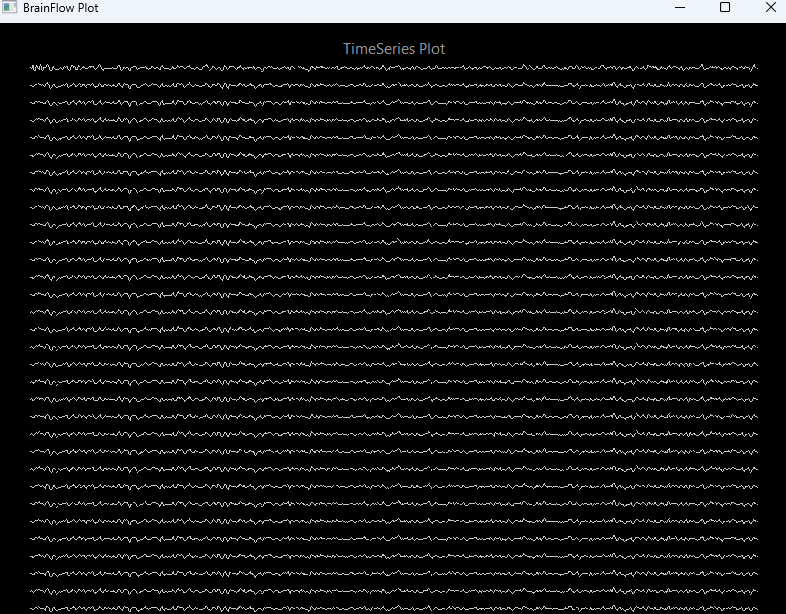
Example 32 Ch flow via Brainflow