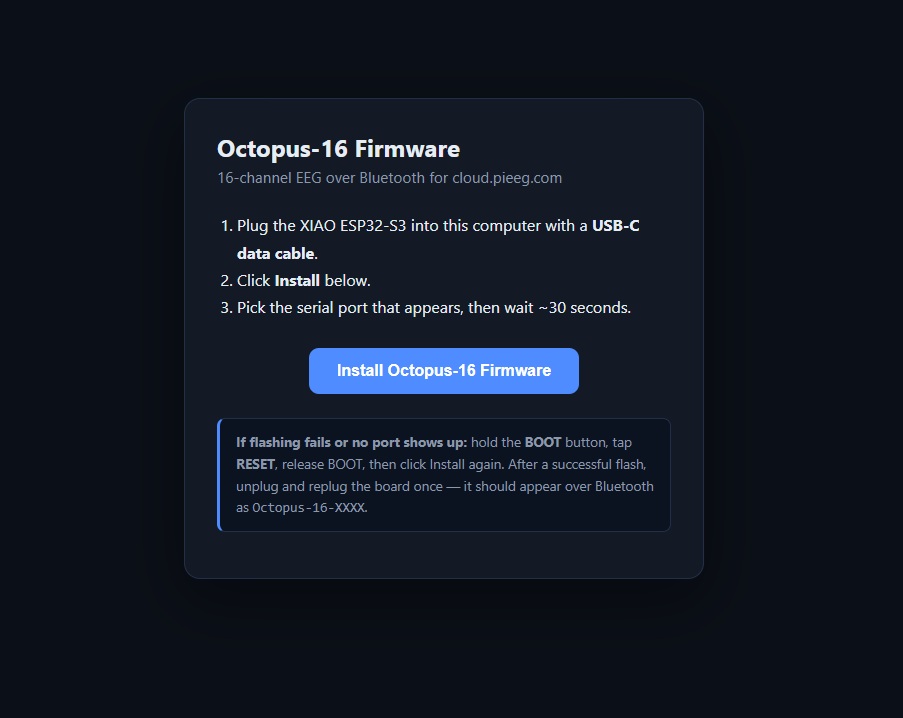
Step 1 — Upload Firmware
Connect the ESP-32 S3 via USB-C to your computer and upload firmware via the next link
https://firmware.pieeg.com/ (opens in a new tab)
Step 2: PiEEG-Server
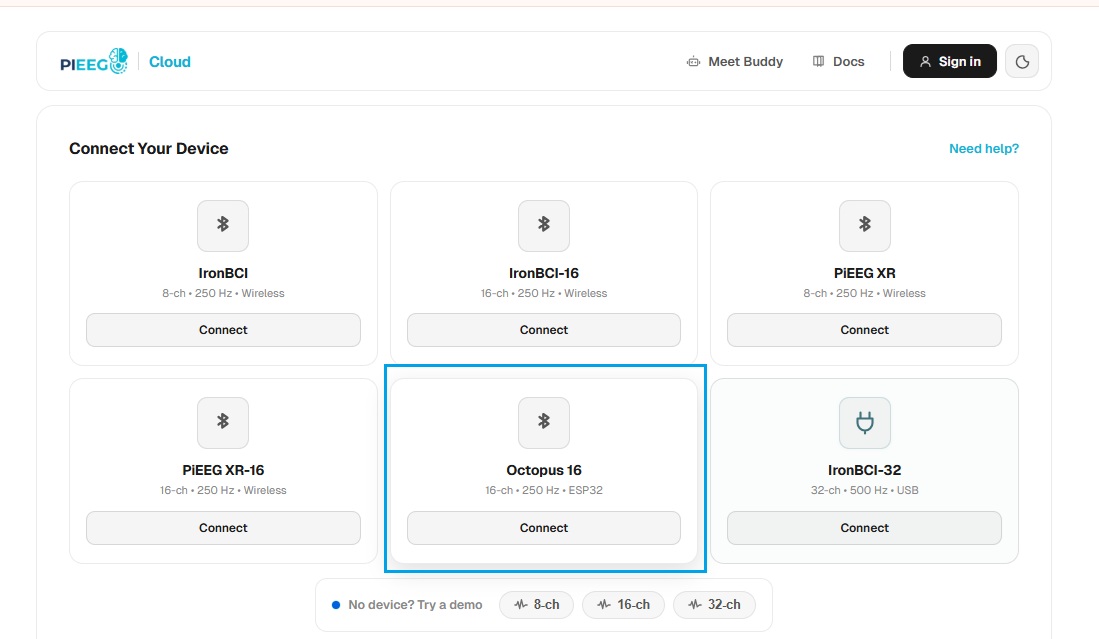
Octopus 16 integrated to pieeg -server.
Open the PiEEG website pieeg.com and run the PiEEG server with Octopus 16
📹 Video Tutorial
Watch how to set up and start using the Octopus 16:
 (opens in a new tab)
Click the image above to watch the video on YouTube: Octopus 16. Start measure EEG (opens in a new tab)