Firmware Flashing
Both boards are flashed once, from the browser, at octobridge.pieeg.com/flash (opens in a new tab). You need desktop Chrome or Edge and a USB data cable. No Arduino IDE.
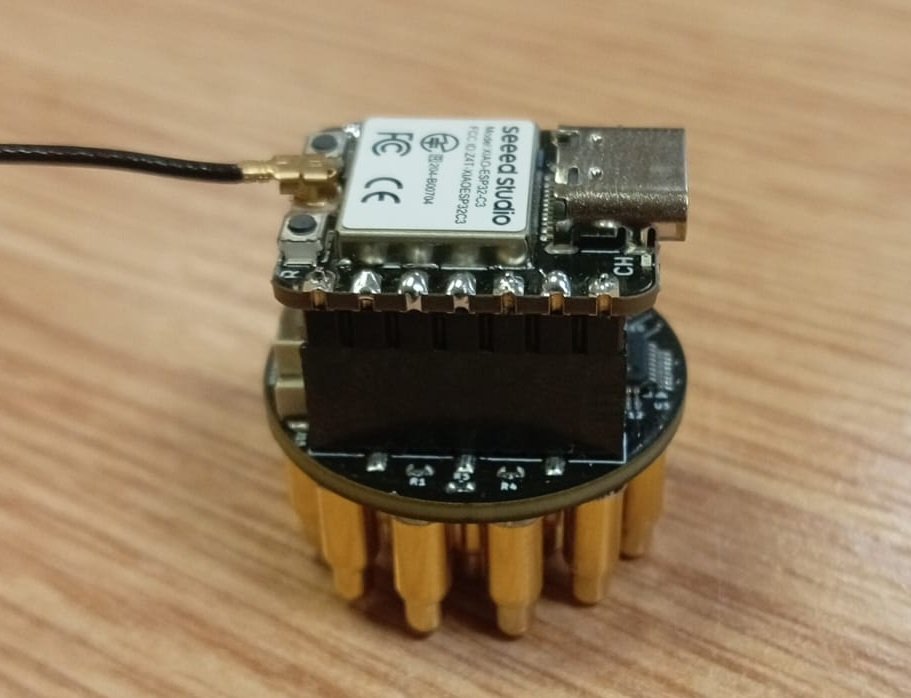
Board: Seeed Studio XIAO ESP32-S3 on the Octopus 16
- On Flash, plug the XIAO ESP32-S3 into the computer with a USB data cable.
- Click Install Octopus-16 and choose its port.
- No port? Hold BOOT, tap RESET, release BOOT and install again.
- Unplug and replug when it finishes.
Result: it now shows up over Bluetooth as Octopus-16-XXXX.
⚠️
Flash with the board off the head. USB from a computer is only for flashing.
LED states after flashing
| Pattern | State |
|---|---|
| Solid (brief) | Booting |
| Slow 1 Hz blink | Advertising, waiting for the app |
| Solid | Connected / streaming |
| Fast double-blink | ADC not detected (check the XIAO seating) |
Other targets
The Flash page can also install firmware for the Puck (CrowPanel 2.1 rotary HMI), a small panel that links to an Octopus 16 over Bluetooth. See octoBridge.